
geoGM installs like an app. From your browser.
There is nothing to download and no app store to go through. Open geogm.org once, install it, and it lives in your dock, your taskbar or your home screen with its own window and its own icon — the same account, the same workspace, on every device.
Windows, macOS & Linux
Chrome, Edge, Brave, Arc
- Open geogm.org and sign in.
- Click the install icon at the right of the address bar — a small screen with a downward arrow.
- Confirm. geoGM opens from then on in its own window, without browser chrome.
Android
Chrome
- Open geogm.org and sign in.
- Tap the ⋮ menu and choose “Install app” (older versions say “Add to Home screen”).
- Confirm. The icon lands on your home screen like any other app.
iPhone & iPad
Safari
- Open geogm.org in Safari and sign in.
- Open the Share menu and choose “Add to Home Screen”.
- If “Open as Web App” appears, leave it enabled. Tap “Add”, then open geoGM from its icon.
Installation options depend on your browser. If you do not see an install icon, check its menu. geoGM shows an “Install app” button in the footer when your browser offers that option.
What you get
The installed app is the same geoGM, with the things a browser tab cannot give you.
Its own window and its own icon
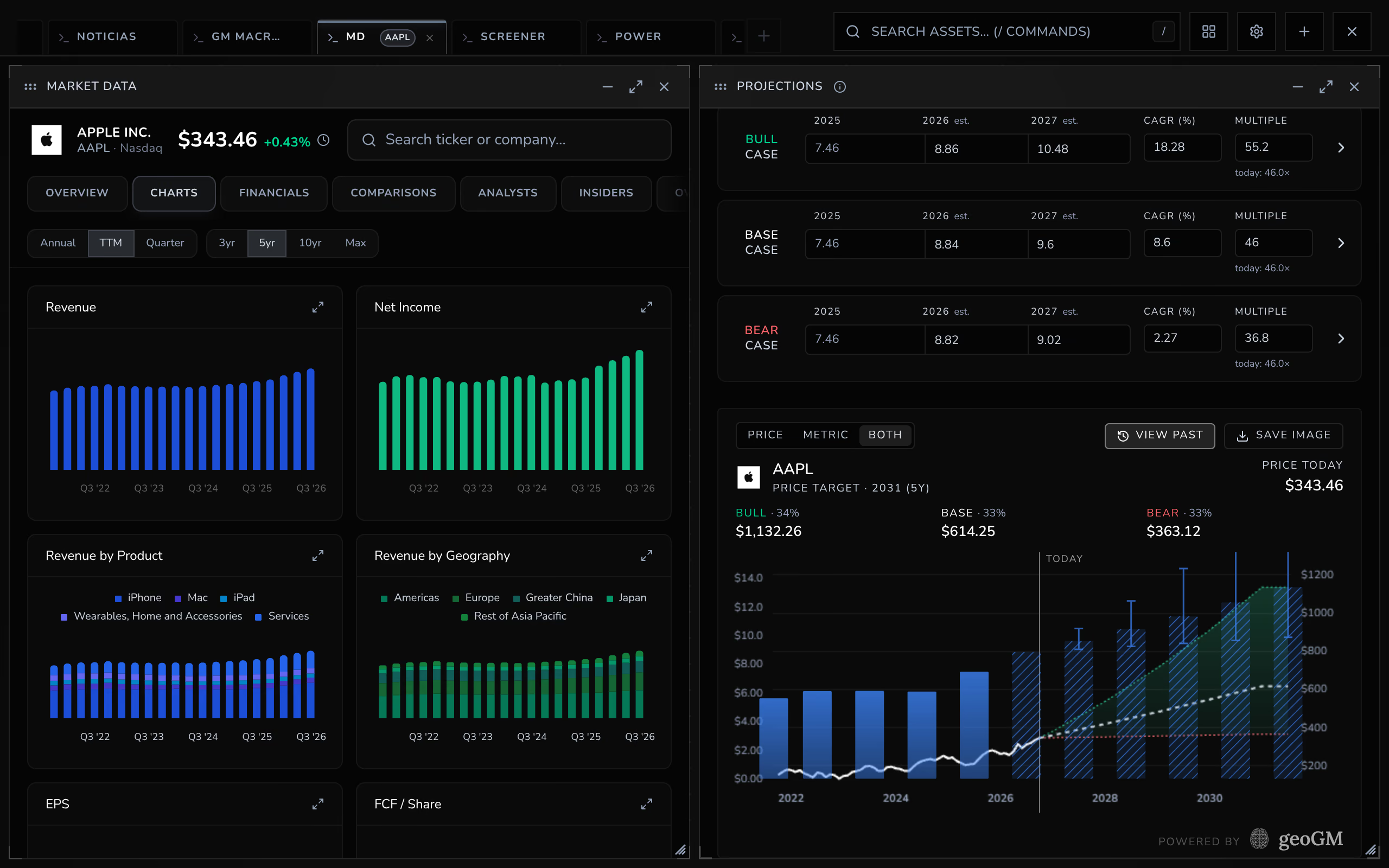
No address bar, no tab strip, no thirty other tabs competing for the same row. It alt-tabs like an application because, to the operating system, it is one.
It updates itself — and never under your feet
New versions install in the background. When one is ready you get a small notice, and nothing reloads until you say so: losing a half-written note to an automatic refresh is not an update, it is a bug.
It opens without a connection
Offline, the app opens to a page that tells you so instead of the browser’s dinosaur. Live data obviously needs the network — this is about the app answering when you tap it, not about pretending to work.
One account, every device
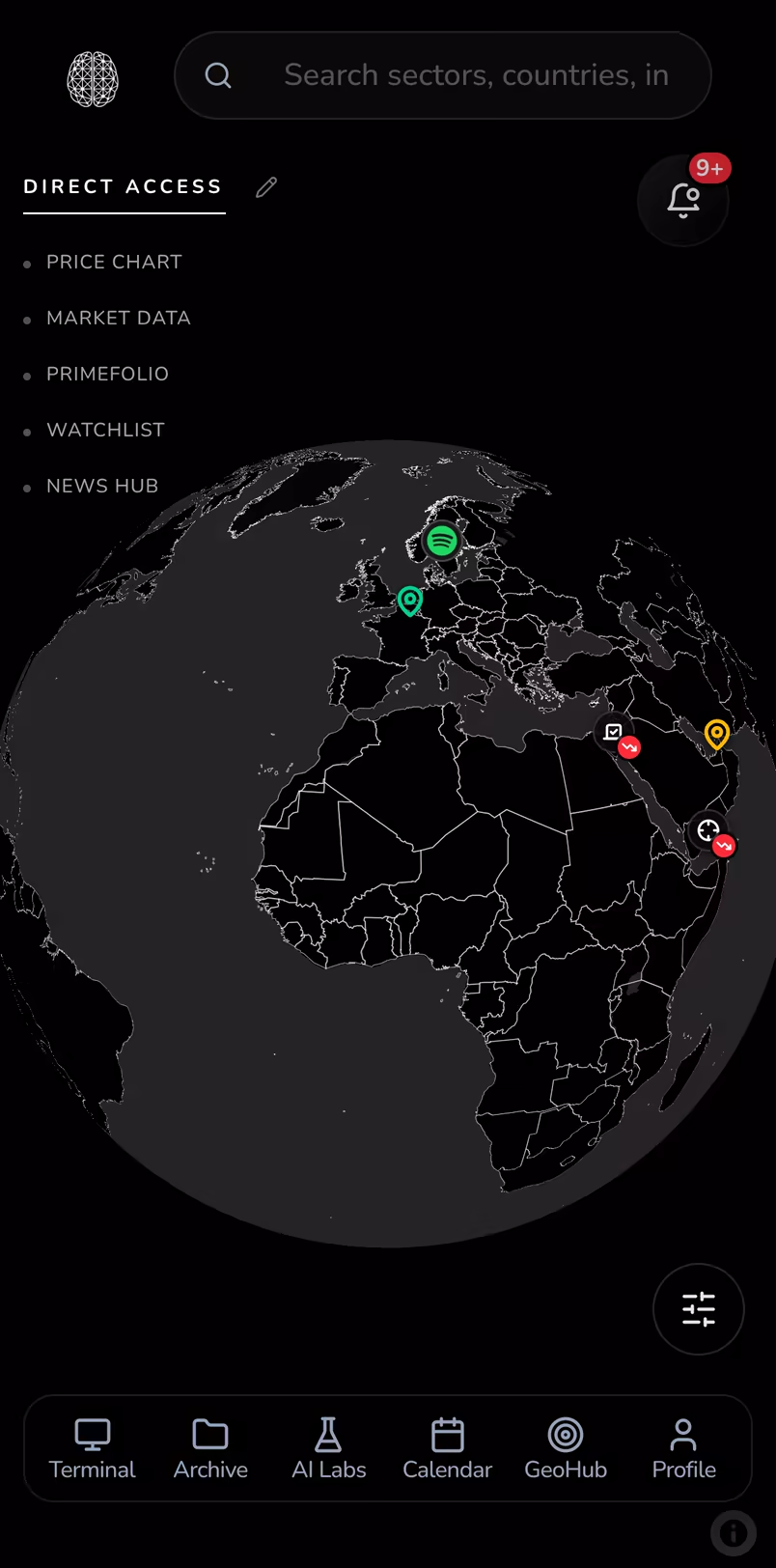
Your workspace, watchlists, alerts and saved work sync through your account. On mobile, the interface adapts to the screen and opens one panel at a time.
What it is not, yet
Said plainly, because finding out later is worse.
Not in the App Store or Google Play
geoGM installs from the browser. If your device is managed by an employer that blocks that, the web version works exactly the same.
No push notifications
geoGM does not push to your lock screen. Price and earnings alerts appear in the app, and if you connect Telegram they reach you there too — which is the only way to see one without the app being open.
Not a smaller product on the phone
The terminal is a multi-panel canvas built for a large screen. On a phone you get the mobile layout of the same tools — good for reading and checking, not for laying out six panels.
Native apps come after launch
Installing from the browser is what geoGM ships today, and it is genuinely the same product. Native apps for iPhone and Android — with the things only a store build can do — are on the roadmap after launch. There is no date, and there will not be one here until it is real.
Be first to know
Leave your email and we write once, when the native apps are out.