
Nine tools, one workspace.
Six surfaces and three capabilities that share one workspace, one AI and one account. Start in any of them: each one opens into the rest.
Surfaces
Terminal
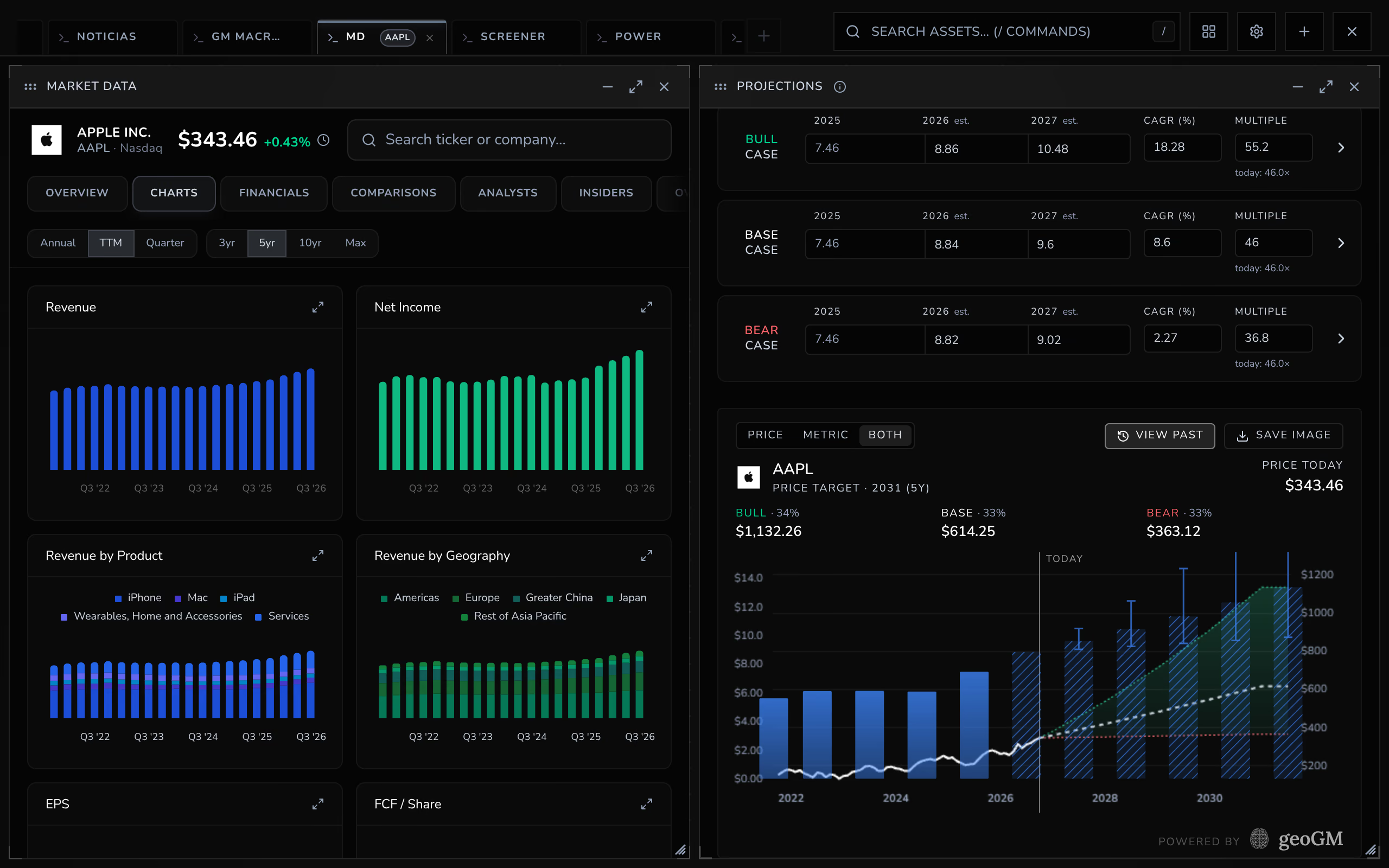
30 panels, each with its own code: market data, financials, the screener, news and your portfolio on one canvas you lay out yourself and drive from the keyboard.
ExploreAI Labs
Double-tap Space and ask. Jarvis answers from geoGM's own data, opens the panel you need and, from Analyst, writes papers and whiteboards into your archive or works through scheduled bots.
ExploreGeoHub
The macro behind every price: risk for 195 countries, official series with IMF estimates, and a comparator that goes back to 1975.
ExploreCalendar
Earnings, macro prints and geopolitical events on one timeline — each one opens with the context to read it.
ExploreResearch Archive
Turn scattered findings into a living thesis — spatial whiteboards, documents and widgets bound to real company data.
ExploreTwins & Maps
The map as your own instrument: color it by any of 31 metrics, pin what you own — and soon, save whole investigations as digital twins.
Explore
Capabilities
Data coverage
Company financials, SEC filings, official macro series and news, each from a source you would check yourself. Where geoGM computes something on top, such as a risk index, it shows what went into it.
ExploreAI layer
AI works inside every surface (Jarvis beside your panels, a note on each earnings report, help in your documents), and each request shows its price before it runs.
ExploreBrokerage sync
Connect a brokerage through SnapTrade, which holds the connection so geoGM never sees your broker password, or build a portfolio by hand. Either way it lives in the same workspace as the analysis.
Explore